
 +91 7044535163



Ways to Automate Business Processes in 2026 – Work Smarter, Not Harder
21st Apr, 2026
7 min read
Most businesses don’t have a productivity problem they have a repetition problem. Hours each week disappear into tasks that follow the exact same pattern every single time: chasing invoice approvals, manually entering customer data, sending the same onboarding emails, copy-pasting numbers between spreadsheets.
Business process automation is the straightforward fix. You identify the tasks that run on a predictable pattern, set up a system to handle them automatically, and redirect that time towards work that actually needs a human.
In 2026, automation isn’t a competitive edge reserved for large enterprises. It’s become a baseline expectation for any business that wants to operate efficiently. Here’s where to start.
Why 2026 Is the Year to Take Automation Seriously
The tools have matured, the costs have come down, and the gap between automated businesses and manual ones is widening fast. Hyperautomation combining AI, machine learning, and workflow tools to automate end-to-end processes can reduce labour costs by up to 40% and cut task processing times by over 80%. That’s not a future projection; businesses are seeing those numbers today.
What’s changed is accessibility. Automation that once required a dedicated development team can now be configured by someone who knows your business process well. The barrier to entry has dropped, which means the businesses that don’t automate are increasingly at a disadvantage not just in cost, but in speed and accuracy too.
40% reduction in labour costs via hyperautomation | 80%+ faster task processing times | 70% of routine customer queries handled by automation | 95% of HR staff report positive outcomes from automation |
7 Business Processes Worth Automating Right Now
| 01 | Invoice and Accounts Payable ProcessingEvery invoice that lands in someone’s inbox and waits for a human to open it, verify it, and route it for approval is a delay your cash flow doesn’t need. Automated invoice processing uses OCR and machine learning to read invoice data, match it against purchase orders, and route it for approval without anyone touching a keyboard. What used to take days can be completed in minutes. |
| 02 | Employee Onboarding and HR WorkflowsThe average business spends 20 to 40 hours on administrative tasks per new hire. Onboarding automation handles form collection, system access setup, task assignment, and welcome communications automatically the moment a contract is signed. HR teams spend less time on paperwork and new employees have a faster, more consistent start. Over 40% of HR professionals plan to expand automation use by 2026 specifically for this reason. |
| 03 | Customer Support and TicketingAutomated support systems can handle over 70% of routine customer queries order status, account information, basic troubleshooting without a human agent. Tickets get triaged, categorised, and routed to the right team automatically. Complex issues that genuinely need a person still get one, but the queue is smaller and response times are faster for everyone. |
| 04 | Sales Follow-Ups and Lead ManagementSales teams spend only 34% of their time actually selling. The rest goes to admin: logging calls, updating contact records, scheduling follow-ups, sending check-in emails. Automating these tasks keeps leads moving through the pipeline without anyone having to remember to act. Last year, 83% of sales teams using AI-assisted automation reported revenue growth compared to 66% of those that didn’t. |
| 05 | Data Entry and Cross-System SyncingData entry errors cost organisations significantly — not just in fixing mistakes, but in the downstream decisions made on bad data. Workflow automation eliminates the manual step of moving information between systems. When a form is submitted, a deal is updated, or an order is placed, the relevant data flows automatically to every connected system without anyone copy-pasting a thing. Automated workflows reduce processing errors by as much as 70%. |
| 06 | Project and Task ManagementManual task assignment and deadline tracking fall apart at scale. Automated project workflows assign tasks based on availability and skill, send reminders before deadlines, and escalate items that aren’t moving. Teams that adopt task automation report fewer missed deadlines and less time spent in status-update meetings — because the system is already broadcasting where things stand. |
| 07 | Reporting and Business IntelligenceWaiting until the end of the month to pull a report is a habit that automation makes unnecessary. Dashboards connected to live data update in real time. Scheduled reports generate and distribute themselves. Alerts fire when a metric crosses a threshold. Business leaders get the information they need to act quickly, without anyone having to build a spreadsheet first. |
Where Most Businesses Go Wrong With Automation
The most common mistake is trying to automate everything at once. Businesses that succeed with automation typically start small one process, properly mapped, properly tested and then scale from there. A poorly automated process can create just as much frustration as a manual one.
The second mistake is automating a broken process. If your invoice approval workflow is chaotic and inconsistent, automating it will make it chaotic and inconsistent at scale. Before you automate, make sure the underlying process actually works.
Start with the process that consumes the most time and follows the most predictable pattern. Get that right, measure the results, and use that as your template for everything that follows.
Frequently Asked Questions
Q: Which business processes are easiest to automate first?
A: Start with high-volume, rule-based tasks where the process is consistent and well-defined. Invoice processing, email follow-ups, data entry, and appointment reminders are all strong starting points. They offer clear time savings and minimal risk.
Q: Do you need a large budget to automate business processes?
A: Not necessarily. Simple workflow automation can be implemented at a very low cost for straightforward tasks. More complex, custom integrations require more investment, but the ROI is typically measured in weeks to months rather than years especially for processes that occupy several hours of staff time each week.
Q: Is automation only for large companies?
A: No and in many ways it matters more for smaller businesses. A small team has less slack to absorb manual inefficiencies. Automation gives a five-person operation the operational capacity of a much larger one, without adding headcount.
Q: Will automation replace employees?
A: Automation replaces repetitive tasks, not the people who do them. In most businesses, the real outcome is that staff shift away from low-value admin work toward higher-value activities. That’s a better use of their skills and usually leads to stronger engagement, not redundancy.
Q: How long does it take to see results from automation?
A: For simple automations, you’ll see time savings from day one. For more complex integrations, meaningful results typically appear within 30 to 90 days of full deployment once the system is running consistently and the team has adapted to the new workflow.
Q: Can automation work with the tools my business already uses?
A: In most cases, yes. Modern automation solutions are built to integrate with common business tools accounting software, CRM systems, email platforms, project management tools, and more. Custom development can bridge the gaps when off-the-shelf integrations don’t cover your specific setup.
Ready to Build Automation Into Your Business?
Identifying which processes to automate is one thing. Building or integrating the right systems to actually make it happen is another. That’s where an experienced development partner makes a real difference.
Elvira Infotech is an ISO 9001 certified company that helps businesses design and implement custom automation solutions from web and app development that connects your tools, to workflow integrations that eliminate the manual gaps in your operations. If you have a process that’s eating more time than it should, we’d like to hear about it.
Get in touch with Elvira Infotech and let’s figure out where automation can make the biggest difference for your business.
Our Recent Blogs
13th Jul, 2026
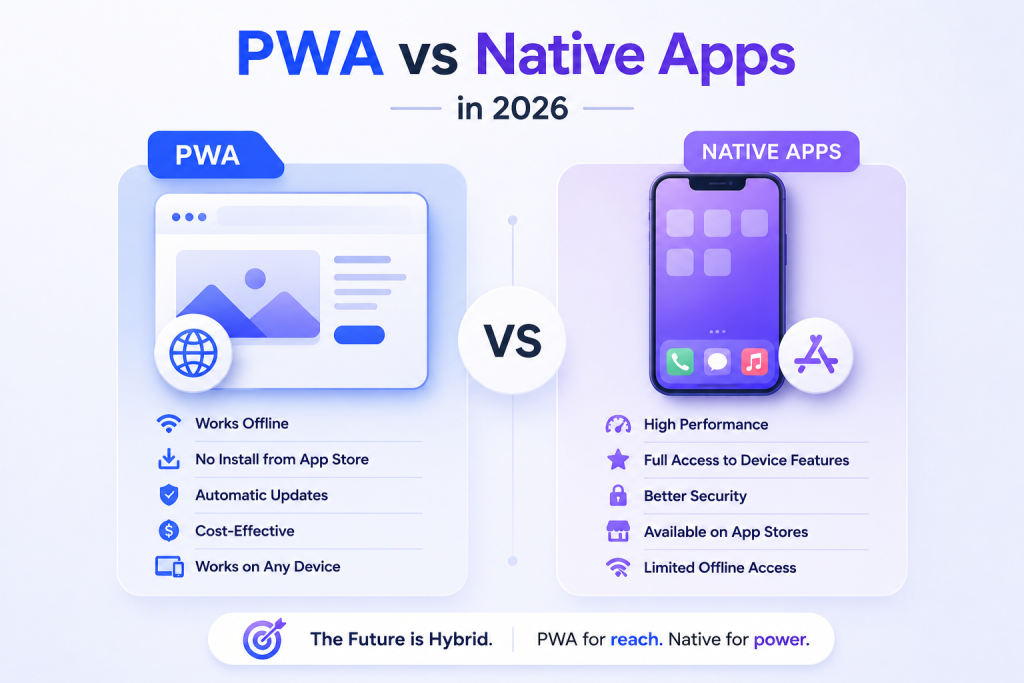
16 min readProgressive Web Apps vs Native Apps: The Complete 2026 Business Decision Guide
Every business thinking about building a digital product faces the same fork in the road: do...
9th Jun, 2026
13 min readGenerative Engine Optimization: What It Is and Why Your Business Needs It in 2026
You’ve invested months into SEO. Your blog ranks on page one. Your backlinks are solid. Yet...

18th May, 2026
14 min readGoogle Ads vs Meta Ads: The 2026 Guide to Smarter Ad Spend for Your Business
Here is a number worth stopping on: businesses waste an estimated 25 cents of every dollar...